FEATURES
|
|
 |
| Online Simulation
|
|
Rich Objects |
User Toolbox |
Multi-function Button |
|
Resource Manager |
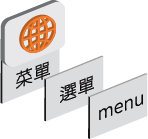
Multilingualism |
QR CODE |




Installment Payment
▸ Static Mode allows for a maximum of 48 installments, with each due date customizable. It provides runtime modifications, facilitating installation without the need for re-downloading the project.
▸ Dynamic Mode does not require a pre-determined due date. Only a secret key and access to the Dynamic Password Tool are required to generate a password that includes the next due date.
Security Levels
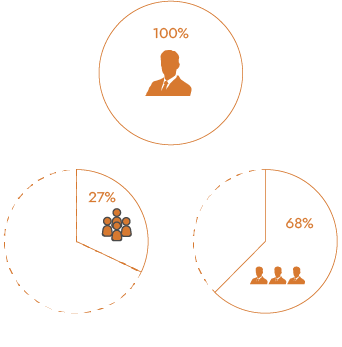
▸ This security feature offers 16 usage levels and 100 user accounts, with each level and account allowing for different password settings. Import and export functions are also available, enhancing flexibility and convenience
▸ For security control, if a user enters an incorrect password, any buttons, switches, and input elements will be disabled. If an operator does not have the corresponding permissions, they may not even be able to see certain objects.
USB key
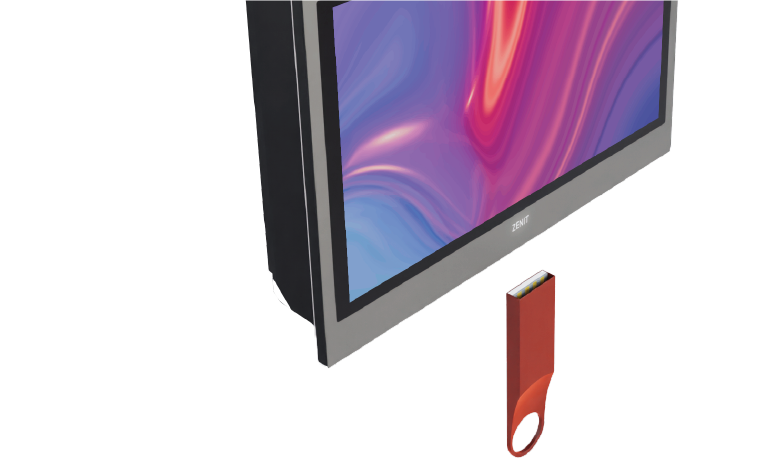
USB Key utilizes different permission levels to provide administrators and users with the ability to access and protect data in a hierarchical manner.


| Tubular Chart | The tubular chart features versatile connectors and pipes, allowing users to swiftly design pipeline layouts. Interactive controls for color, blinking, and flow effects during operation offer enhanced data visualization and comprehension. |
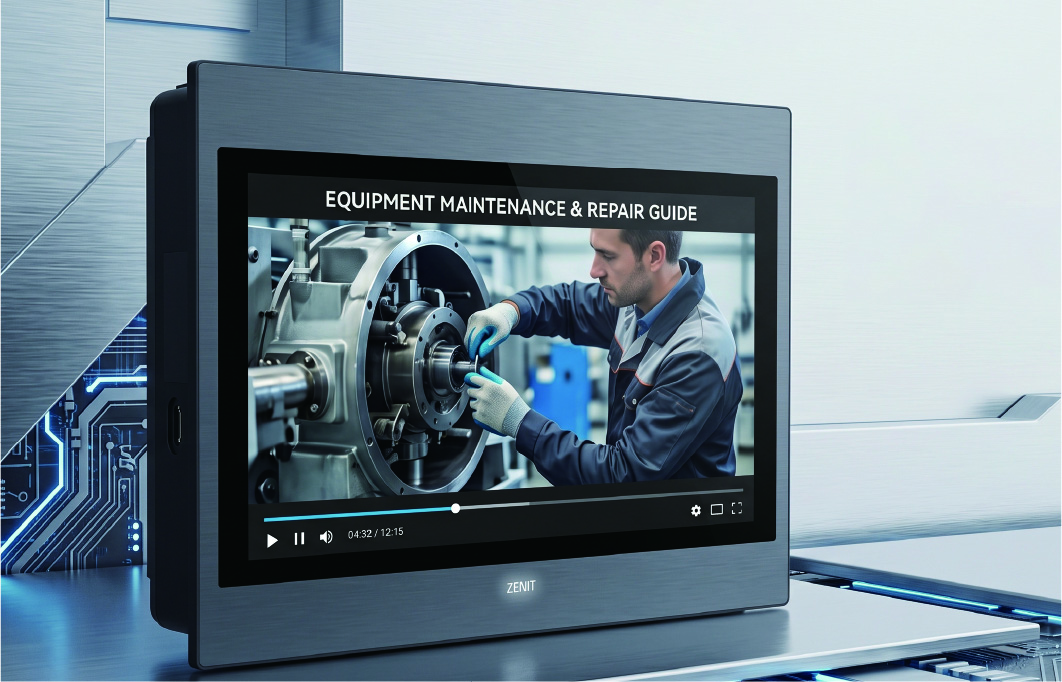
Video Playback — Clarity at a Glance
Supports playback of multiple video formats. Whether for tooling changeovers, line changeovers, or routine maintenance, operators can simply tap to play the corresponding instructional video—quickly mastering standard procedures and significantly minimizing operating errors.
IP Camera — Full On-Site Visibility
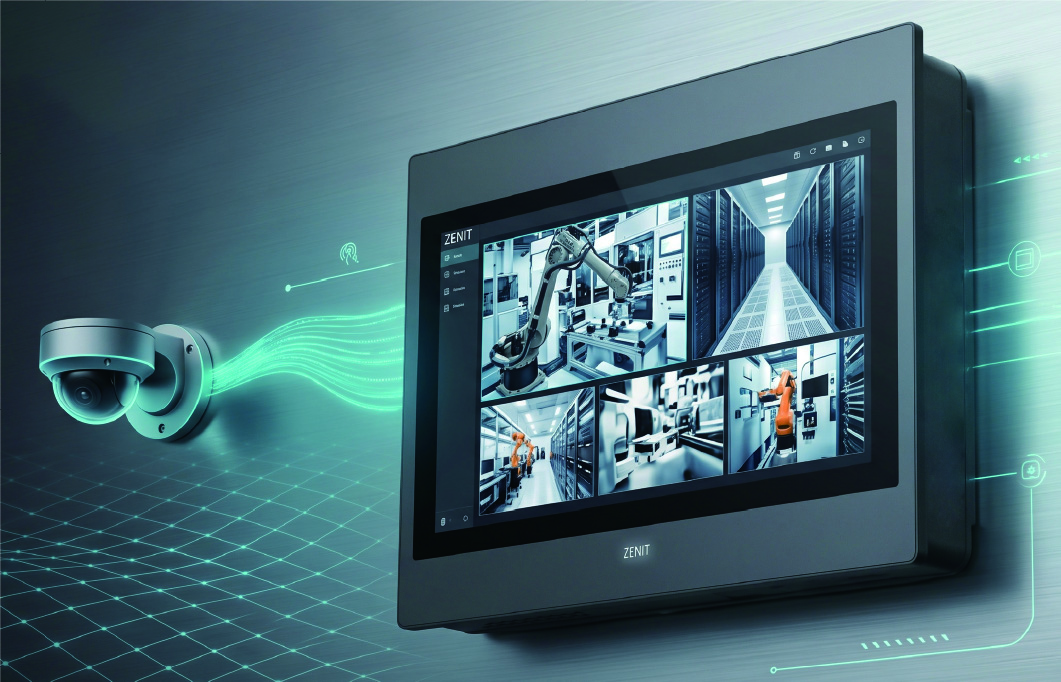
Supports connection to multiple IP cameras. When the PLC detects a material jam, breakage, or equipment anomaly and triggers an alarm, the HMI automatically logs the event and pops up the live monitoring feed of the corresponding location. Operators can also monitor the workflow across multiple sections simultaneously from the control console.
|
|
|
| Online Simulation
|
|
Rich Objects |
User Toolbox |
Multi-function Button |
|
Resource Manager |
Multilingualism |
QR CODE |
Installment Payment
▸ Static Mode allows for a maximum of 48 installments, with each due date customizable. It provides runtime modifications, facilitating installation without the need for re-downloading the project.
▸ Dynamic Mode does not require a pre-determined due date. Only a secret key and access to the Dynamic Password Tool are required to generate a password that includes the next due date.
Security Levels
▸ This security feature offers 16 usage levels and 100 user accounts, with each level and account allowing for different password settings. Import and export functions are also available, enhancing flexibility and convenience
▸ For security control, if a user enters an incorrect password, any buttons, switches, and input elements will be disabled. If an operator does not have the corresponding permissions, they may not even be able to see certain objects.
USB key
USB Key utilizes different permission levels to provide administrators and users with the ability to access and protect data in a hierarchical manner.
| Tubular Chart | The tubular chart features versatile connectors and pipes, allowing users to swiftly design pipeline layouts. Interactive controls for color, blinking, and flow effects during operation offer enhanced data visualization and comprehension. |
Video Playback — Clarity at a Glance
Supports playback of multiple video formats. Whether for tooling changeovers, line changeovers, or routine maintenance, operators can simply tap to play the corresponding instructional video—quickly mastering standard procedures and significantly minimizing operating errors.
IP Camera — Full On-Site Visibility
Supports connection to multiple IP cameras. When the PLC detects a material jam, breakage, or equipment anomaly and triggers an alarm, the HMI automatically logs the event and pops up the live monitoring feed of the corresponding location. Operators can also monitor the workflow across multiple sections simultaneously from the control console.